

Managing appointments manually is no longer efficient. Businesses across Canada — from Toronto to Calgary and Ottawa — are increasingly using scheduling tools to streamline bookings, reduce no-shows, and improve customer experience.
Whether you are looking for a free scheduling app, a free appointment booking app or a full-feature appointment scheduling software, this guide explores the top 12 tools, compares their features, and explains which software suits your business best.
Why Scheduling Software Matters
Automated scheduling saves businesses time, reduces errors, and enhances customer satisfaction. Studies show that Appointment reminders do reduce no-show rates. Multiple clinical studies show that reminders decrease no-shows significantly compared with no reminders. For example, randomized research has shown a drop in no-show rates from about 23% to around 13–17% after sending reminders versus not sending any.
For service-based businesses like salons, clinics, gyms and consultants, choosing the right scheduling software is crucial. The right app lets customers book appointments easily, while staff can manage calendars efficiently.
Comparison Summary Table
| Software | Free Plan | Calendar Sync | Reminders | Team Support | Best Use Case |
| Calendly | Yes | Yes | Yes | Limited | Individuals |
| Square Appointments | Yes (Solo) | Yes | Yes | Yes | Salons |
| Setmore | Yes | Yes | Yes | Yes | Small teams |
| Acuity | No | Yes | Yes | Yes | Custom workflows |
| Google Calendar | Yes | Yes | Limited | Yes | Internal use |
| Microsoft Bookings | No | Yes | Yes | Yes | Corporate |
| 10to8 | Yes | Yes | Yes | Yes | Clinics |
| Sloton.app | Yes | Yes | Yes | Yes | All-round |
| Appointlet | Yes | Yes | Yes | Yes | Sales teams |
| Zoho Bookings | Yes | Yes | Yes | Yes | Enterprises |
1. Calendly
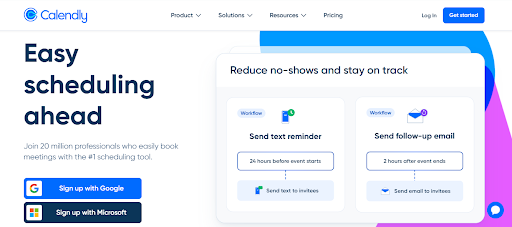
Calendly is widely known for its simplicity. Users share a booking link, clients pick a slot and it syncs with calendars like Google or Outlook. The free version works well for individuals, while premium plans enable team scheduling and workflow automation.
It is ideal for freelancers, consultants and professionals who need a straightforward appointment booking app.
Key Features
- Free appointment booking app for individuals
- Shareable booking links
- Google and Outlook calendar sync
- Automated email reminders
Difference
Calendly is excellent for basic scheduling but limited in customization and advanced workflows on free plans.
Best For
Consultants, freelancers and remote professionals.
2. Square Appointments
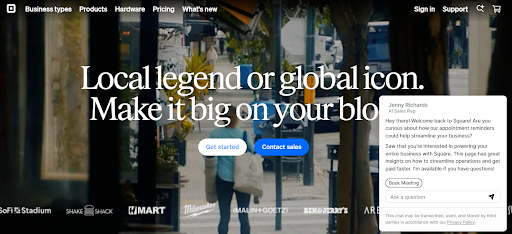
Square Appointments combines scheduling with payment processing. It is especially popular among salons, spas and fitness studios. Businesses can accept online bookings, manage payments and send reminders from a single platform.
Its retail focus makes it perfect for service-based businesses in Toronto, Calgary and Ottawa, but less ideal for purely corporate scheduling needs.
Key Features
- Free booking appointment app for individuals
- Built-in payment processing
- Automated reminders
- Works well across Toronto, Calgary and Ottawa markets
Difference
More retail-focused compared to pure appointment scheduling software.
Best For
Salons, spas, fitness studios and local service businesses.
3. Setmore
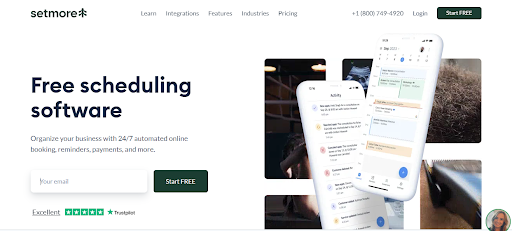
Setmore offers a free appointment scheduling app that supports multiple staff accounts. It allows online booking, calendar sync and automated email or SMS reminders. The interface may feel slightly dated, but it is functional and reliable for small teams.
Setmore is best for small service providers who need team scheduling without a high cost.
Key Features
- Free scheduling app with multiple staff accounts
- Video appointment support
- SMS and email reminders
- Calendar integrations
Difference
The interface is functional but less modern compared to newer platforms.
Best For
Small teams and service providers.
4. Acuity Scheduling
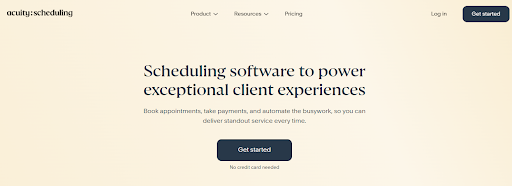
Acuity provides advanced customization, letting businesses create intake forms, multiple appointment types and integrate payments. It offers more control than free apps but at a higher cost.
This software is ideal for consultants, coaches and global businesses that require complex workflows.
Key Features
- Custom intake forms
- Multiple appointment types
- Payment integration
- Time-zone friendly scheduling
Difference
More powerful than free scheduling apps but comes at a higher cost.
Best For
Coaches, consultants and global businesses.
5. Google Calendar
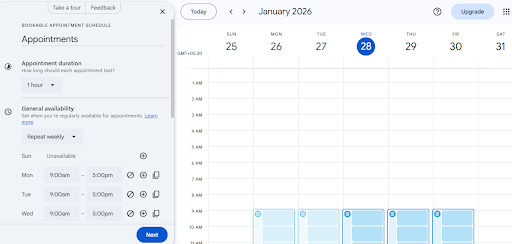
Google Calendar is a free and simple calendar scheduling app. It allows sharing availability, internal team coordination and basic appointment management. However, it is not a full appointment booking platform for clients.
It is best for personal scheduling or internal team coordination.
Key Features
- Free calendar scheduling app
- Availability sharing
- Seamless Google Workspace integration
Difference
Lacks a dedicated appointment booking application interface for clients.
Best For
Internal scheduling and personal use.
6. Microsoft Bookings
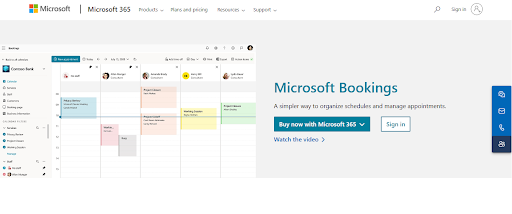
Microsoft Bookings integrates with Microsoft 365. It allows clients to book appointments based on staff availability and sends automated confirmations. While useful in corporate environments, it offers limited branding and requires a Microsoft 365 subscription.
It suits businesses heavily invested in Microsoft products.
Key Features
- Appointment booking within Outlook ecosystem
- Staff scheduling and availability management
- Automated confirmations
Difference
Requires a Microsoft 365 subscription and offers limited branding.
Best For
Corporate teams and enterprise users.
7. 10to8
10to8 focuses on reducing no-shows through smart scheduling and automated reminders. The free version covers essential features, while paid plans include advanced automation and integration options.
10to8 is widely used by healthcare providers, consultants and service businesses that rely on reminders and client communication.
Key Features
- Free appointment scheduling app with reminders
- SMS notifications
- Custom booking pages
- Healthcare-friendly workflows
Difference
Advanced features are locked behind paid plans.
Best For
Clinics, consultants and professional services.
8. Sloton.app
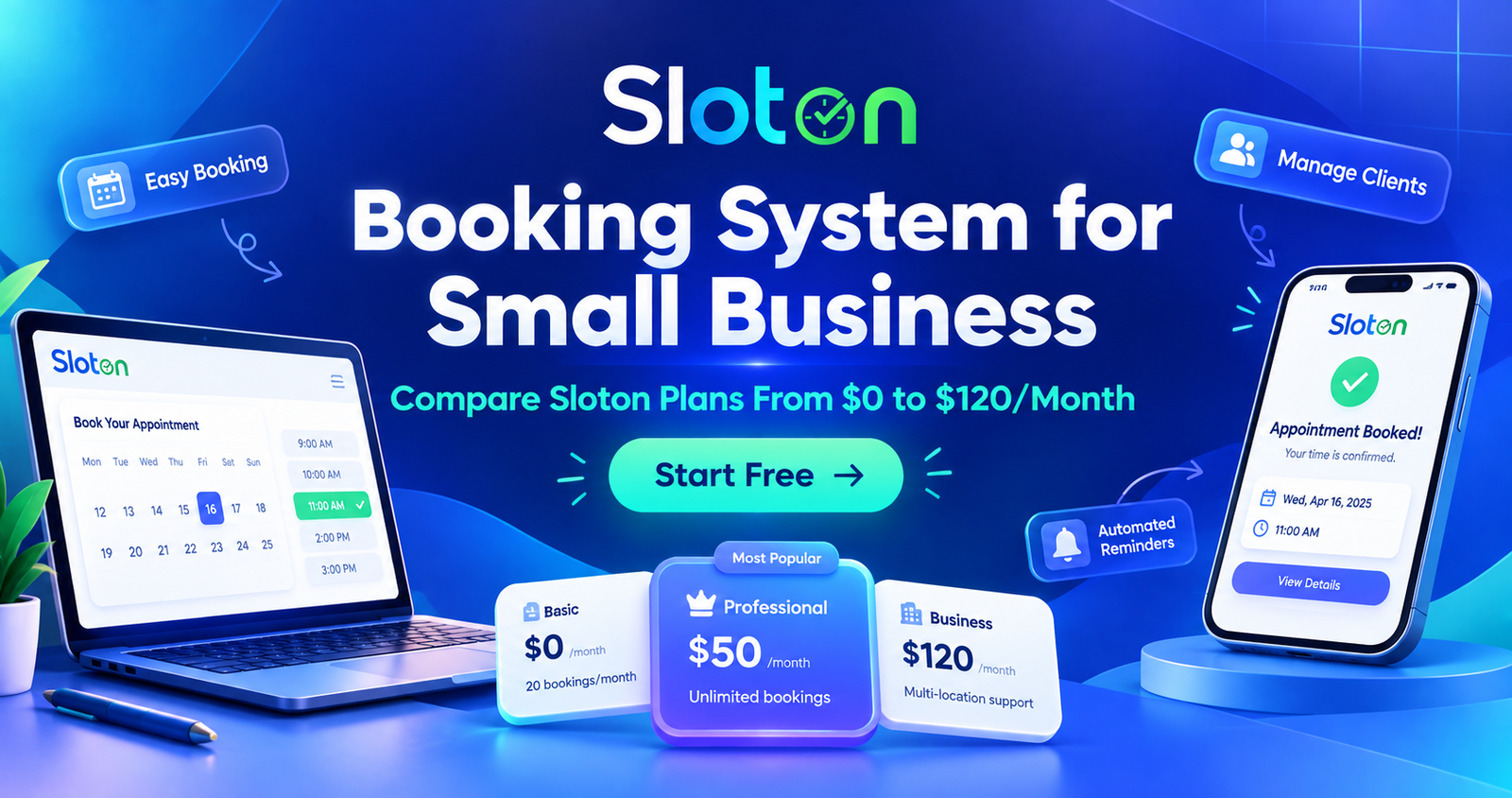
Sloton.app is a modern appointment scheduling app for individuals and growing businesses. It offers a free scheduling app with core features like client self-booking, calendar sync and automated reminders.
Sloton.app stands out because it balances ease of use and powerful functionality. It is suitable for salons, clinics, gyms, consultants and multi-service businesses that need reliable scheduling without complexity.
Key Features
- Client self-booking system
- Automated reminders
- Team scheduling and calendar synchronization
- Optimized for service-based businesses
Difference
Sloton.app balances simplicity and automation better than many competitors, making it suitable for both individuals and growing teams.
Best For
Salons, clinics, gyms, consultants and multi-service businesses.
9. Fresha
Fresha is widely used in the beauty and wellness industry. It is free for appointment booking and includes features like client reminders, online payments and inventory management. Its focus on salons, spas and wellness businesses makes it a strong choice for service providers in these sectors.
Fresha is ideal for businesses looking for an all-in-one scheduling and management solution tailored to health and beauty services.
Key Features:
- Free online appointment booking
- Automated email & SMS reminders
- Online payments
- Inventory management
- Multi-staff & multi-location support
Difference: Combines scheduling with business management tools tailored for salons, spas, and wellness businesses.
Best For: Salons, spas, wellness centers and personal care service providers.
10. SimplyBook.me
SimplyBook.me is a versatile booking system that works across industries. It offers online appointment booking, automated notifications and payment integration. Customization options allow branding of the booking page and client portal.
It suits service businesses of any size, from clinics to personal trainers, who need flexible booking solutions.
Key Features:
- Online appointment booking
- Customizable booking pages
- Automated notifications
- Payment integration
- Multi-staff & multi-location support
Difference: Flexible across industries with strong branding and customization options.
Best For: Small to medium service businesses like clinics, personal trainers and wellness providers.
11. Appointlet
Appointlet offers an easy-to-use appointment booking experience with calendar integration and team scheduling. While the free version is limited, it works well for small sales teams or customer support appointments.
Appointlet is best for businesses needing a simple scheduling solution without complex features.
Key Features
- Appointment booking application with calendar sync
- Custom booking links
- Team scheduling options
Difference
The free plan is limited compared to other free scheduling apps.
Best For
Sales teams and customer support scheduling.
12. Zoho Bookings
Zoho Bookings is part of the Zoho business ecosystem, integrating seamlessly with CRM, email and payments. It supports multi-location businesses and advanced appointment workflows.
Zoho Bookings works best for medium to large businesses that already use Zoho products and need deeper system integration.
Key Features
- Advanced appointment scheduling software
- CRM and payment integrations
- Multi-location support
Difference
Best used as part of the Zoho business suite.
Best For
Medium to large businesses.
Choosing the Right Scheduling Software
When selecting a scheduling app, consider your business size, workflow and client needs. Solo professionals may benefit from free apps like Calendly, Google Calendar, or Setmore. Teams with multiple staff members or complex workflows should consider Sloton.app, Acuity, SimplyBook.me, or Zoho Bookings.
Service-based businesses that want client self-booking, reminders, and team management will find Sloton.app a balanced and scalable solution.
Conclusion
Scheduling software is essential for modern businesses. It saves time, reduces missed appointments and improves customer satisfaction. From free appointment booking apps to advanced scheduling software, there is a solution for every need.
Among them, Sloton.app stands out as a flexible, reliable and user-friendly platform suitable for businesses of all sizes looking to manage appointments efficiently in 2026.