

It’s 9:47 p.m. A potential customer finds your business, loves what they see, and wants to book. There’s just one problem: the only way to do it is to call during business hours. By morning, they’ve booked with someone else.
That’s the quiet leak in most small businesses, and it’s exactly what a booking system for small business Prineville is built to plug. Instead of answering calls, chasing DMs and squinting at a paper diary, you give customers one page where they pick a time, confirm and show up. No phone tag. No double bookings. No lost sleep.
But here’s what stops most owners: the price. Is it $0? $50? $500? This guide breaks down what each price point really buys you, from a free start up to $120/month, so you can choose with confidence.
Why Your Best Customers Book at Midnight (and Bounce by Morning)
People no longer “call to enquire.” They book the way they order dinner: a few taps, instant confirmation, done. If your business can’t offer that, they don’t wait. They scroll to the next option.
Manual booking also quietly costs you in three ways. First, after-hours enquiries go unanswered. Second, back-and-forth messages eat the hours you’d rather spend on paying work. Third, forgotten appointments turn into empty chairs and lost income.
An online booking system fixes all three at once. Customers book any time, reminders go out automatically, and your calendar fills without you lifting a finger.
More Than a Calendar: What You’re Really Paying For
Here’s the mistake many owners make: they think appointment scheduling software is just a prettier diary. It’s actually a small team member that never takes a day off. A good system gives you:
- Online booking: customers pick their own slot, 24/7
- Client profiles: history, preferences and notes in one place
- Automatic reminders: fewer no-shows without awkward follow-up calls
- Staff scheduling: everyone’s availability, without the spreadsheet
- Payments and deposits: get paid upfront and protect your time
- Analytics: see your busiest days and best-performing services
- Resource allocation: rooms, chairs and equipment never get double-booked
- Integrations: connect the tools you already use
Here’s the part most owners miss: the calendar alone isn’t what cuts missed appointments. Online booking systems reduce no-shows because of automated reminders, a deposit or card-on-file requirement, and an easy way to cancel or reschedule, not simply because they’re online. If you want to see how those pieces work in practice, this breakdown of how online booking systems reduce no-shows for small businesses is worth a read. Sloton brings these same tools together in one simple dashboard.
When you compare plans, use this list as your yardstick. The right plan is the one that covers the features you’ll actually use, not the one with the longest list.
The Price Tag Question: What $0 and $120 Actually Buy You
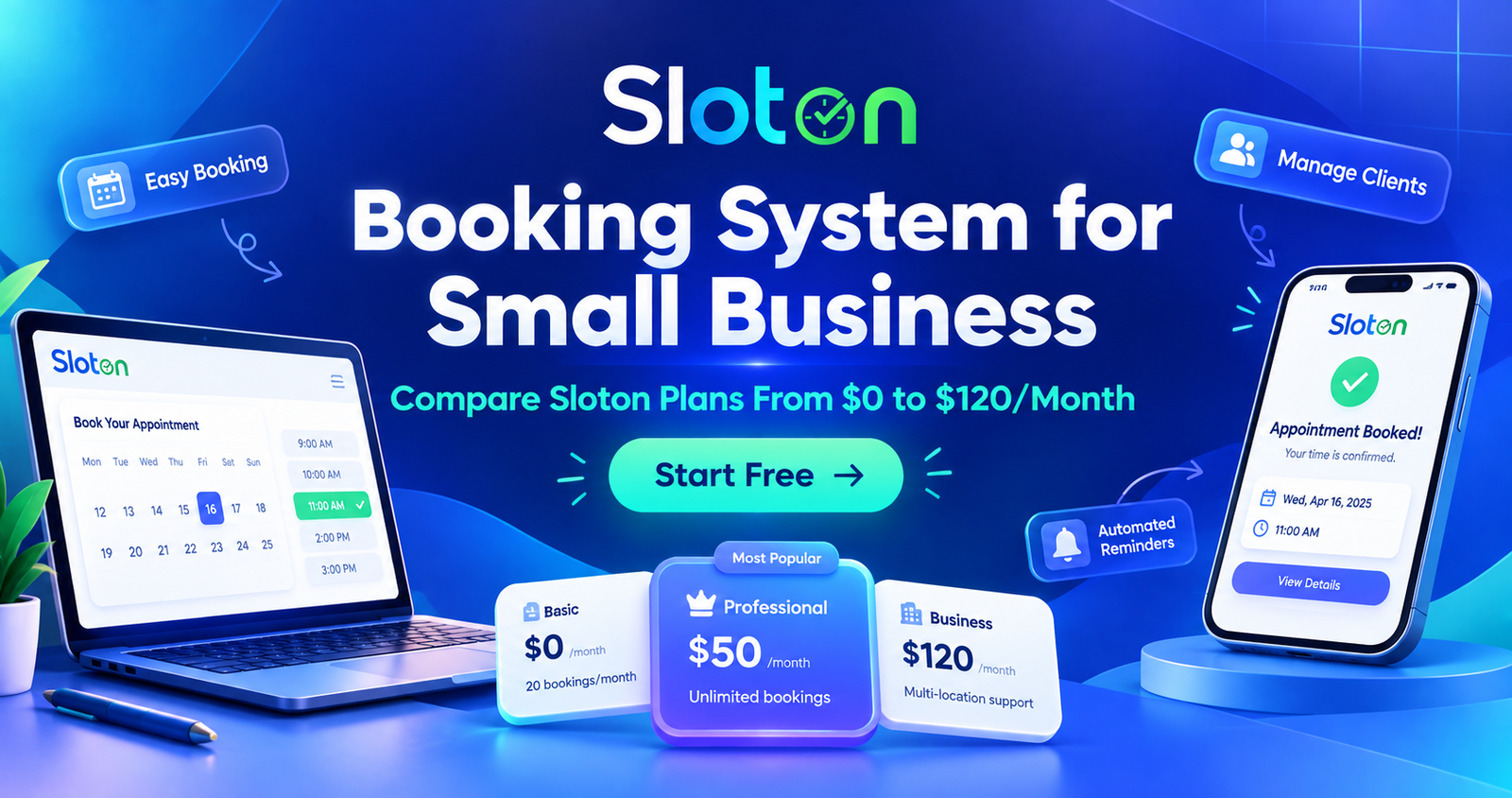
Sloton’s plans run from $0 to $120 per month, and the gap between them is really a gap between business stages.
At the free end, the goal is simple: get you taking online bookings without spending a cent. It suits solo operators, new businesses and anyone testing whether online booking fits their workflow. At the top end, you’re paying for the tools a busy, multi-staff business leans on every day: more capacity, more control and more automation.
The smart move isn’t picking the biggest plan. It’s starting where you are and upgrading when your bookings outgrow your plan. You can see exactly what’s included at every level on the Sloton pricing page and compare side by side before you commit.
Three Questions That Pick Your Plan for You
Skip the guesswork. Ask yourself:
- How many people take bookings? A one-person studio and a five-chair salon need very different scheduling tools. More staff means more calendars to coordinate, and that’s where higher plans earn their keep.
- How many bookings do you handle in a month? If you’re squeezing in a handful a week, free is plenty. If your calendar is packed and you’re turning people away, automation pays for itself fast.
- Do you want to take deposits or payments online? If no-shows hurt your income, collecting payment upfront is one of the fastest ways to protect it.
Answer those three honestly and the right plan usually becomes obvious.
The Real Cost of “Free” Tools Held Together With Tape
Plenty of owners run their business on a patchwork: a paper diary, a shared Google calendar, a notes app and a lot of memory. It feels free, but it isn’t.
Count the hours you spend on admin each week. Count the customers who gave up because booking was awkward. Count the appointments lost to a forgotten reminder. Those hidden costs almost always add up to more than a monthly subscription.
Good business habits start with knowing where your time and money actually go. The U.S. Small Business Administration’s business guide is a solid place to sharpen those fundamentals, and moving your bookings onto one reliable system is one of the easiest wins on the list.
Built for Your Trade, Not Just “Any Business”
A booking system that works for a plumber won’t necessarily suit a nail technician. Service businesses have their own rhythms: back-to-back short appointments, long consultations, repeat clients and packages.
That’s why it pays to choose software designed around real service industries. You can explore the industries Sloton supports to see how it fits everything from clinics to property services. And if you run a salon, spa or clinic, the beauty and wellness solutions show how online booking, reminders and payments work in a day-to-day appointment business.
Booking Is Half the Story: What Happens at the Counter?
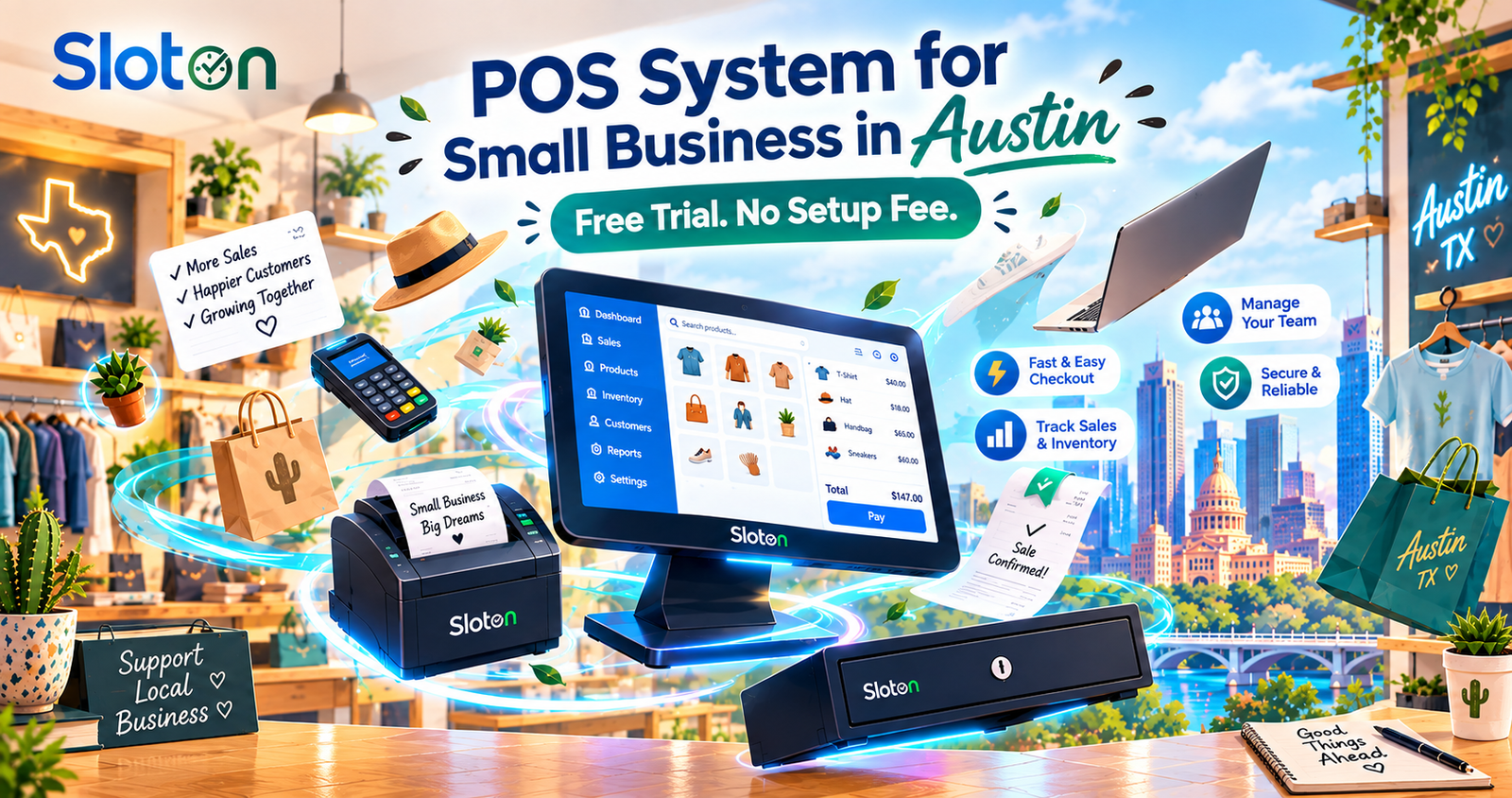
Once a customer books and walks in, you still need a smooth way to get paid. If you’re also weighing up how to handle checkouts, our guide to a POS system for small business in Austin shows how faster payments and a free trial can round out your setup. Booking and payments work best when they talk to each other.
Go Live This Weekend: A 5-Step Setup Plan
You don’t need a week or a tech degree. Here’s a simple path:
- List your services and prices. Keep names clear and simple.
- Set your working hours. Include breaks so you never get booked into lunch.
- Add your team. Give each person their own availability.
- Turn on reminders. This is your quickest win against no-shows.
- Share your booking link. Put it on your website, Google profile and social bios.
Start on the free plan, take a few real bookings, and upgrade only when you feel the need.
Your Next Customer Is Searching Right Now. Give Them a Slot to Say Yes To.
Every hour without online booking is an hour when someone could have booked, but couldn’t. You don’t need a big budget or a long setup. You need a calendar that works while you sleep.
Start free on Sloton and turn tonight’s missed enquiries into tomorrow’s full schedule. No setup fee. No lock-in. Your first booking could be one link away.